The Best Chess Visualization and Blindfold Trainers in 2026

Table of contents
Calculation is really visualization in disguise. If the board goes fuzzy three moves deep, no amount of tactics puzzles will fix it, because you cannot solve what you cannot see. Visualization and blindfold trainers attack that directly: they teach you to hold the position in your head, track pieces without the board, and calculate cleanly under pressure. This guide compares the best chess visualization and blindfold trainers in 2026.
How we compared them
The thing that separates a real trainer from a novelty is a progression. Throwing you into a full blindfold game on day one just proves it is hard. The best tools build the skill in layers: naming squares, tracking single pieces, short calculation drills, then full blind play. We weighted structured progression and targeted feedback over raw puzzle count.
1. DarkSquares: the most complete visualization curriculum
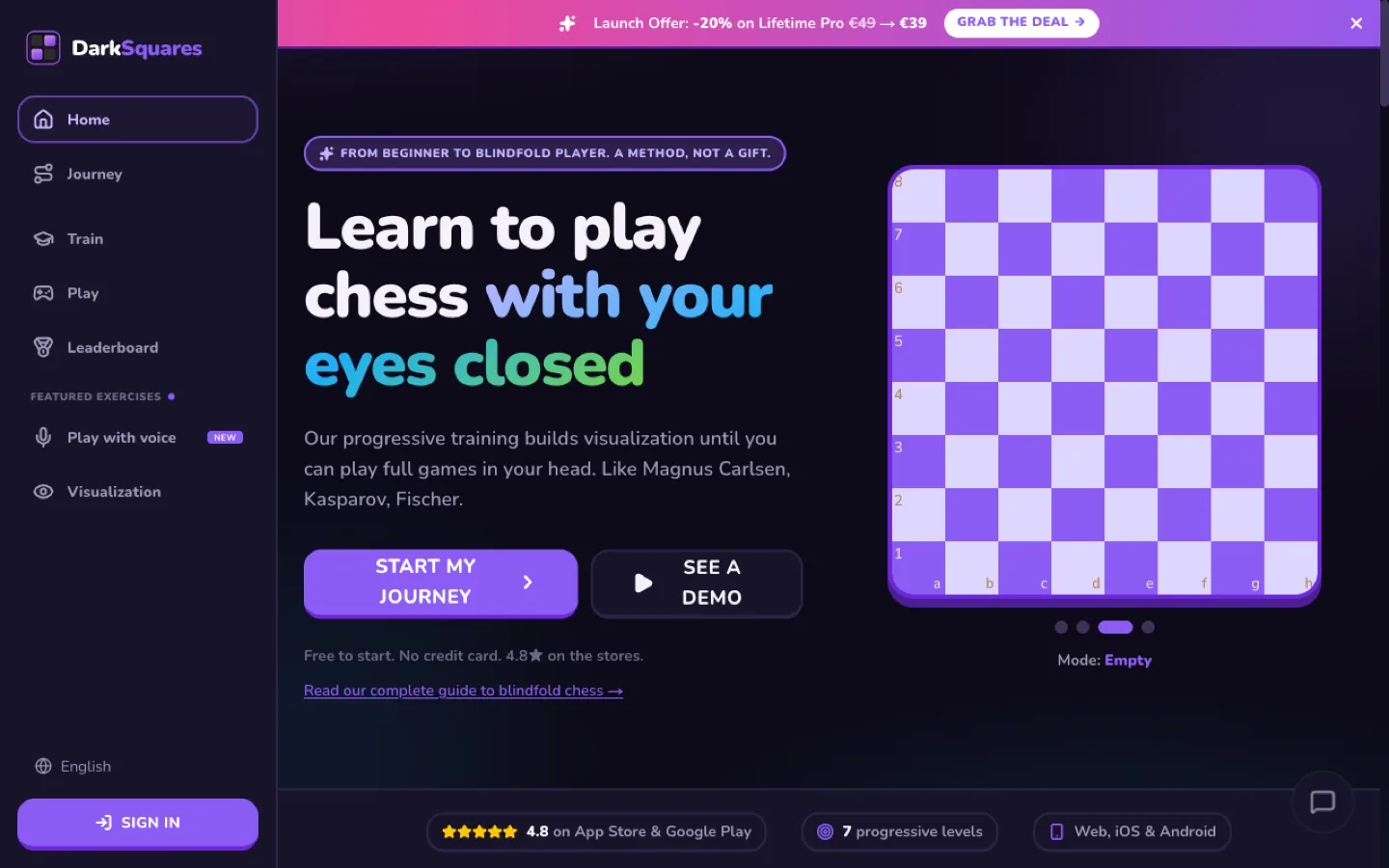
DarkSquares is the only tool here built end to end for the mental board. It runs a progressive path across five training categories (board vision, piece movement, memory, tactics, and blindfold play) and seven visibility levels, from a fully visible board down to fully blind. You start by naming squares and tracking single pieces, then graduate to short calculation drills and full blindfold games against eight AI difficulties, with per-session tracking that surfaces your weak patterns.
Because it treats visualization as a curriculum rather than a single feature, it is the one option that reliably takes a beginner from "I lose the board after two moves" to full blindfold games. A free tier covers the first three levels.
Trains: board vision, piece tracking, calculation, full blindfold play.
Platforms: Web, iOS, Android.
Pricing: Free tier (levels 1 to 3, AI 1 to 3); Pro Lifetime is a one-time 39 EUR, no subscription.
Best for: anyone whose calculation blurs a few moves deep, or who wants to reach full blindfold play. Start training free.
2. Listudy: free blind tactics
Listudy is an open-source, web-based platform with a "blind tactics" mode that drills mental position-update: it shows a position several moves before the solution, then asks you to visualize the resulting position and find the best move without seeing it rendered. It pulls from the Lichess puzzle database and runs in the browser with no account needed for basic use.
It is a drill source rather than a full curriculum: tactics only, no coordinate or piece-movement ladder, no analytics. As a free supplement alongside a structured trainer, it is excellent.
Trains: tactical visualization from a shown earlier position.
Platforms: Web.
Pricing: Free, open-source.
Best for: intermediate players who already have a visualization base and want free extra reps.
3. Blindfold Chess Trainer (Dawikk): mobile volume
Blindfold Chess Trainer by Dawikk is a mobile app for iOS and Android. Per its app-store listing, it offers a large library of blindfold tactics, full blindfold games against Stockfish across several difficulty levels, a square-color and coordinate trainer, daily challenges, and voice input and output for hands-free play. It is lightweight and works offline, which makes it handy for commute practice.
The curriculum is lighter than a purpose-built progressive program, so you get more puzzle and game volume but less guidance on which drill to do next. It suits players who are happy to self-direct.
Trains: blindfold tactics and games, coordinates, on mobile.
Platforms: iOS, Android.
Pricing: Subscription tiers plus one-time purchase options (check the store listing).
Best for: mobile users who want offline volume and can self-direct.
4. Lichess: free coordinate trainer and blindfold toggle
Lichess is free, open-source, and ad-free, and it bundles two useful visualization tools: a dedicated Coordinate Trainer that many players use as a board-vision foundation drill, and a blindfold mode that hides the pieces on any game (toggle it in the board menu, or with Shift+B). Its Studies feature also lets you build and share your own visualization sequences.
There is no structured progression from coordinates to full blind play and no per-skill analytics, so you self-direct entirely. For a zero-budget foundation, though, the Coordinate Trainer alone is worth the visit.
Trains: coordinates and casual blindfold play.
Platforms: Web, iOS, Android.
Pricing: Free, donation-supported.
Best for: self-directed players who want free foundation drills.
5. Chess.com: a blindfold toggle inside the big platform
Chess.com offers blindfold play as a board-style setting, so you can play the computer with the pieces hidden inside the platform you may already use. It is convenient if you live on Chess.com already.
For visualization training specifically it is the thinnest option here: the mode is a toggle rather than a curriculum, there are no structured drills or per-skill analytics, and the blindfold piece style is only available on paid plans. Strong general-chess habits transfer; visualization-specific ones do not get built.
Trains: occasional blindfold games, no curriculum.
Platforms: Web, iOS, Android.
Pricing: Blindfold piece style requires a paid membership.
Best for: existing Chess.com members who want to dabble in blindfold mode.
Side-by-side comparison
| Tool | Progressive curriculum | Full blindfold games | Platforms | Pricing |
|---|---|---|---|---|
| DarkSquares | Yes (7 levels) | Yes, vs 8 AI levels | Web, iOS, Android | Free; Pro Lifetime 39 EUR |
| Listudy | No (tactics only) | No | Web | Free, open-source |
| Blindfold Chess Trainer | Light | Yes, vs Stockfish | iOS, Android | Subscription + one-time |
| Lichess | No | Toggle on any game | Web, iOS, Android | Free |
| Chess.com | No | Toggle (paid) | Web, iOS, Android | Paid plan for blindfold |
Which one should you pick?
If you want to actually build visualization from the ground up, start with DarkSquares: it is the only tool with a real progression from naming squares to full blindfold games. Add Listudy for free tactical reps, or the Lichess Coordinate Trainer for a zero-cost foundation. Reach for the Dawikk app if you want offline mobile volume, and use the Chess.com or Lichess blindfold toggle to test your retention in a casual full game once the basics feel automatic.
The mistake most players make is jumping straight to full blindfold games. Build the ladder first: coordinates, then pieces, then short calculations. The board stops going fuzzy surprisingly fast once the foundation is in place.
Disclosure: the team behind this blog also builds DarkSquares, the trainer ranked first here. We have listed the main alternatives with their real trade-offs so you can compare and judge for yourself.